School ERP Software in India: Pricing, Features & Implementation
The blog guides K–12 private schools in India on choosing and implementing school ERP systems, emphasizing outcomes over feature lists. It explains the problems ERPs solve saving staff time, reducing errors, improving parent engagement, streamlining finance and leadership reporting then highlights essential modules, cloud vs on‑premise tradeoffs, pricing models and hidden costs. The post provides a realistic implementation roadmap, common pitfalls, demo questions, ROI calculation, a pilot plan, and an RFP checklist, with short real‑world examples. Vidyanova is noted as an India‑focused cloud option. The aim is to help schools pick a practical, cost‑effective ERP, plan realistic timelines, and avoid common mistakes.
If you run a K-12 private school, you have a dozen things on your to do list that never stop growing. Admissions, attendance, fee collection, timetables, exams, transport, parent communication, and staff payroll. Many schools try to glue these processes together with Excel, WhatsApp, and a few homegrown systems. It works for a while, then it does not. That is where a school ERP system should help.
I have seen schools take two paths. One, they try to automate piecemeal and end up with more complexity than before. Two, they pick a shiny new product without checking if it actually fixes their core problems. Both paths cost time and money. This post lays out what school ERP software in India actually solves, how pricing usually works, what features matter most, typical implementation steps, and common pitfalls to avoid. I will also explain how to compare vendors sensibly, using practical questions you can ask in a demo.
What a school ERP system really solves
People often confuse features with outcomes. A dashboard, a mobile app, and online payments look good in a brochure. But what does the system do for you day to day? Here are the real problems a good school ERP should solve.
- Save staff time. Things that eat hours every week, like fee reminders, late fee calculations, attendance reports, and exam result preparations, should become quick tasks. In my experience, schools that automate routine workflows reduce admin time by 30 to 50 percent.
- Reduce errors. Manual data entry leads to mistakes in reports, fee receipts, and student records. A single student database avoids duplicate entries and mismatched records.
- Improve parent engagement. Parents want timely updates on attendance, homework, fee status, and school notices. A unified parent portal or mobile app makes communication consistent and trackable.
- Streamline finance. Consolidated fee management, refunds, and accounting integration help keep ledgers accurate and audits simpler.
- Make leadership’s life easier. Principals and trustees need clear reports for compliance, accreditation, and board meetings. A school ERP should provide easy-to-read analytics, not raw CSV dumps.
Note: Not every ERP has to solve every problem at once. Prioritize the pain points that cost time or money today. Start with those, and expand later.
Key features that actually matter
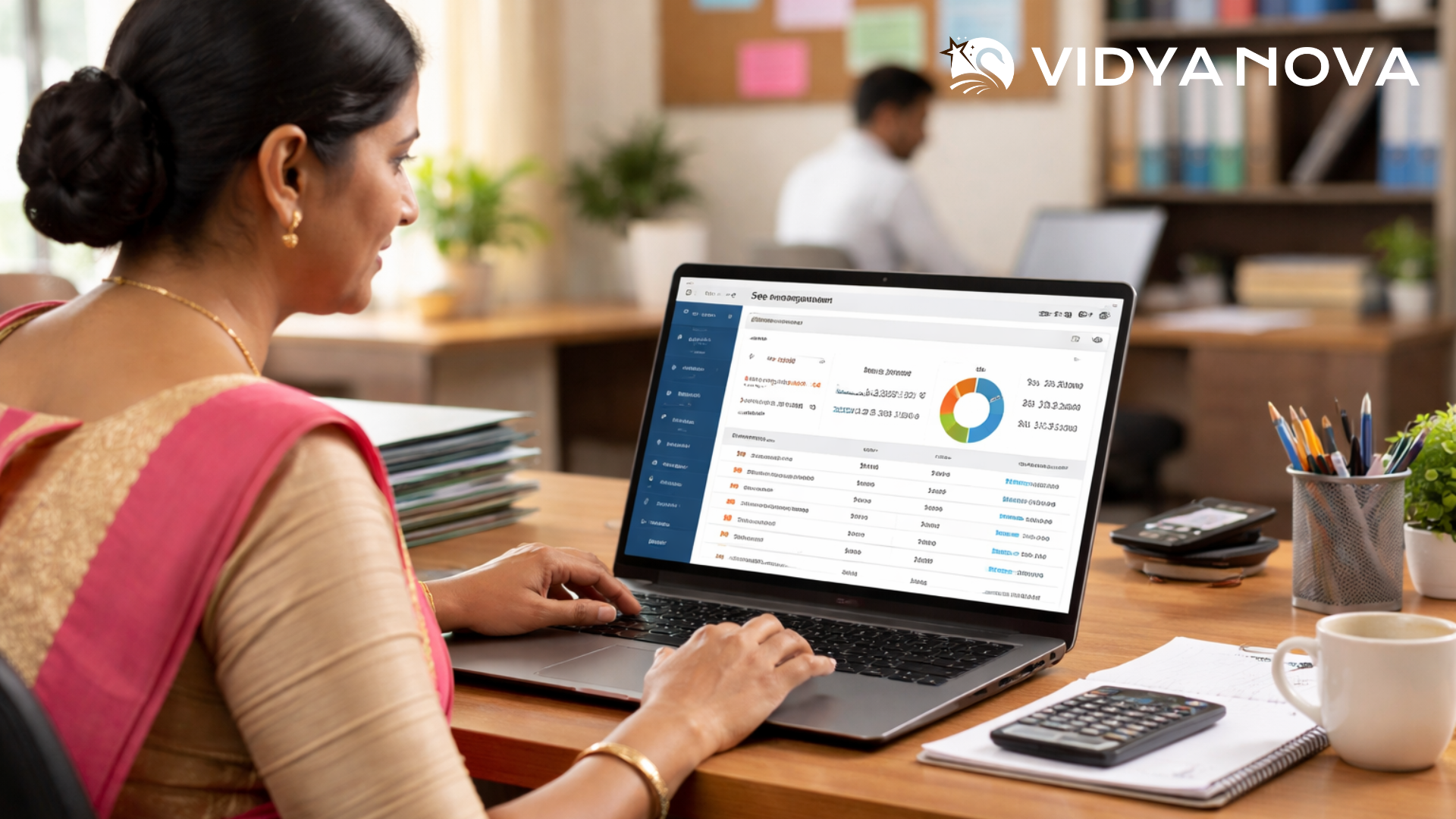
Features are only useful if they map to your real problems. Here are the modules that I recommend evaluating first.
- Student information system. Central student and staff records, with secure document storage, health info, and sibling links. This should be the single source of truth.
- Fee management. Flexible fee structures, online payments, auto-generated receipts, late fee rules, and fee reconciliation. If fee collection is painful now, fix this first.
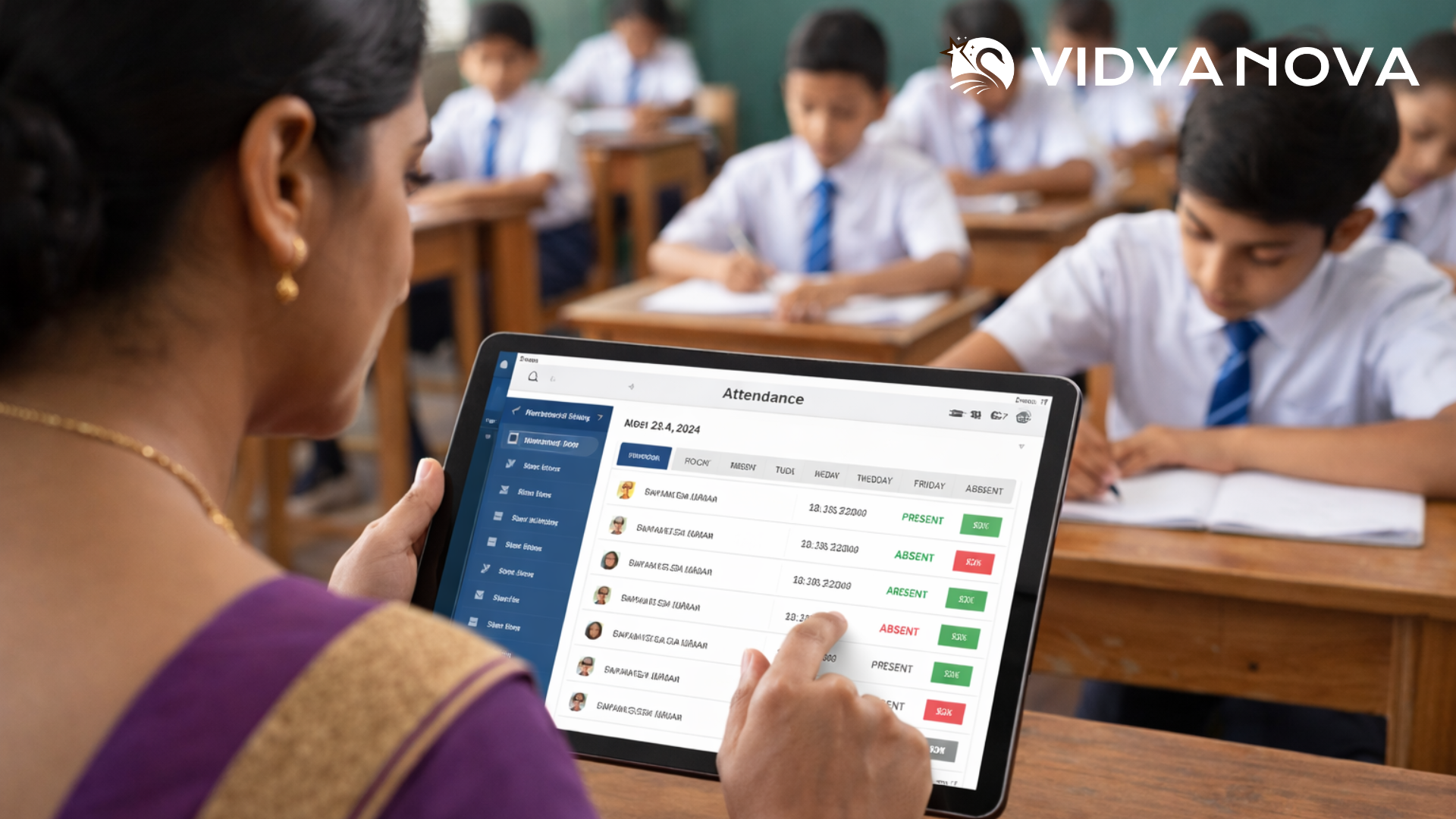
- Attendance and biometric integrations. Daily attendance tracking, mobile apps for teachers, and optional biometric device support for central campuses.
- Timetable and substitution management. Timetable creation, staff allocation, and quick substitution handling when staff are absent.
- Examination and results. Exam planners, question paper banks, mark entry, grade calculation, and customizable report cards for CBSE, ICSE, or state boards.
- Parent and student portal. Homework, circulars, live class links, fee status, and real time attendance alerts in one place. This reduces calls to the office.
- Transport management. Route planning, live vehicle tracking integration, and pick up drop off logs. This is vital when schools run multiple buses across a city.
- Payroll and HR. Salary structures, statutory compliance, leave management, and staff appraisal tracking.
- Integrations and APIs. Payment gateways, SMS providers, biometric devices, and accounting software. APIs matter if you want to integrate with local tools or a state education portal.
- Security and role based access. Audit logs, encrypted data storage, and role based permissions to protect student records.
In my experience, schools waste money buying modules they will never use. Ask yourself what you need this year, and what can wait until next year. School ERP System: How It Transforms School Administration
Cloud based school ERP vs on-premise: which one to choose
Cloud based school ERP India options have become the default. They host your data on secure servers, offer automatic updates, and scale easily. On-premise systems sit on your servers and often require a local IT team.
Here is a simple pickup of pros and cons, based on what I have seen in schools:
- Cloud ERP. Faster to deploy, lower upfront cost, easier to scale, and better for multi-branch schools. If your internet is stable, the cloud is usually the sensible choice.
- On-premise ERP. You control everything and may prefer this if you have strict local data policies or intermittent internet. Expect higher upfront costs and ongoing maintenance effort.
For most mid to large private schools in India, cloud based school ERP offers better value. It reduces dependency on in house IT and simplifies upgrades. Vidyanova provides a cloud native platform designed for Indian school needs, including support for multiple boards like CBSE and state boards.
How school ERP pricing in India usually works
Pricing is where most buyers get confused. Vendors use different models, and each hides costs in customization, training, or integrations. Here is a quick guide to pricing models and the real costs you should expect.
Common pricing models
- Per student, per year. A fixed annual fee based on enrolled students. This is easy to budget and common for cloud school ERP India offerings.
- Per user license. Charged per staff or parent login. This can get expensive for large schools with many parents who need access.
- Flat subscription. A single yearly or monthly fee for the whole school. Works well for single campus schools with predictable needs.
- Module based pricing. The core system is affordable, but advanced modules like transport, payroll, or biometric integration cost extra.
- One time license plus maintenance. More common with on-premise software. Upfront cost, then annual support and maintenance fees.
What vendors often do not mention upfront
Watch out for these common hidden costs.
- Implementation charges. Data migration, custom reports, and setup often attract extra fees.
- Training and onboarding. Vendor led training sessions and train the trainer programs can cost extra, or be limited to a small number of hours.
- Integrations. Payment gateway setup, biometric integration, and ERP to accounting links are commonly billed separately.
- Customization. Adjusting workflows, forms, or reports beyond standard templates can quickly add to the bill.
- Hardware and connectivity. Biometric terminals, barcode scanners, POS devices for the fee counter, and stable internet for cloud systems.
Typical price ranges in India
Exact numbers vary, but here are ballpark ranges to help you benchmark vendor quotes. These reflect current market trends for mid to large private schools in India.
- Small schools (up to 500 students). Cloud ERP subscription can range from Rs 30 to Rs 200 per student per month, depending on modules. Annual costs often fall between Rs 1.8 lakh and Rs 6 lakh, all in.
- Mid sized schools (500 to 2,000 students). Expect Rs 20 to Rs 150 per student per month. Annual spend typically runs from Rs 4 lakh to Rs 25 lakh with more modules and integrations.
- Large schools and chains. Pricing is often negotiated. Per student rates could drop to Rs 10 to Rs 80 per month, but implementation and customization charges increase. Annual spends often start from Rs 10 lakh and scale up based on the scope.
These are estimates. The right way to evaluate is to map your current costs for manual work, errors, and missed collections against the vendor quote. That gives you a realistic ROI picture.
School ERP implementation process: realistic timeline and steps
Implementation is where expectations usually go off track. Vendors promise fast rollouts, while reality throws up legacy data, staff resistance, and connectivity issues. Here is a practical implementation roadmap I have used with several schools. It focuses on small wins early, then scales up.
- Discovery and scope. Two to three weeks. Meet the leadership team, IT head, and key admin staff. Decide which processes you want to automate first. I always recommend starting with fee management and the student information system.
- Data cleanup and migration. Two to six weeks. Export student and staff records from existing systems and spreadsheets. Expect to clean duplicates, mismatched IDs, and missing documents. This step takes longer than you think.
- Configuration and integrations. Two to four weeks. Set up fee rules, timetable templates, exam structures, and payment gateways. Connect with biometric devices or accounting software if required.
- Pilot and training. One to three weeks. Run a pilot with one class or grade. Train the administrative staff and a few teachers. Collect feedback and tweak settings.
- Go live and support. One week for go live, followed by four to twelve weeks of hypercare. Expect issues like missing receipts or timetable clashes. Vendors should provide quick support during this phase.
- Scale and optimize. Ongoing. Add modules like transport, payroll, or inventory as you stabilize the core system.
In my experience, a focused pilot reduces resistance. People get comfortable with small, successful changes before you roll out big ones.
Common implementation challenges and how to avoid them
Here are real problems schools run into, and practical ways to prevent them.
- Unclean data. Duplicate student records and inconsistent formats slow everything down. Clean data before migration. Make a small team responsible for data quality.
- Poor change management. Teachers and admin staff resist new tools when they are forced on them. Run classroom style training, create quick reference guides, and identify internal champions.
- Unrealistic customizations. Asking for too many custom workflows increases cost and time. Prioritize core workflows first and accept small process changes instead of customizing everything.
- Weak internet. Cloud ERPs depend on bandwidth. If you have unreliable internet, set up local caching or a hybrid plan while you improve connectivity.
- No clear owner. Assign a project owner from the school who can make decisions and keep vendors accountable. Without a single point of contact, projects stall.
Avoid these mistakes, and your implementation will go much smoother. In my experience, schools that invest in training and pick quick wins see positive momentum early.
How to compare vendors during demos
Demos can be overwhelming. Vendors show polished interfaces and long feature lists, which can make decision making harder. Here are practical questions to ask during a demo, and why they matter.
- Can you show the exact fee setup for my school? Ask the vendor to configure one real fee structure on the demo so you know it matches your concessions, scholarships, and sibling discounts.
- What happens when the internet goes down? Look for offline capabilities or local caching. A vendor should explain failover options.
- How do you handle data migration? Ask for a migration plan and a sample timeline. Request references from schools that migrated similar data.
- What support levels do you offer? Clarify response times, support channels, and whether support is included or charged separately.
- Can we try a pilot? A no cost or low cost pilot is a good way to test features with real users.
- Do you support CBSE/ICSE board formats? If your school follows CBSE, ask for templates for report cards, exams, and result formats.
- What integrations can you do? Payment gateways, SMS, email, biometric devices, and accounting. Make sure they have done these in Indian schools before.
If a vendor hesitates to configure your fee structure or refuses a pilot, consider that a red flag. You need a partner who will work with your specific processes, not force you to change them completely.
ROI: How to calculate whether an ERP is worth it
Buying ERP is an investment. Here is a simple way to estimate return on investment with figures you likely already have.
- Estimate time saved. Talk to your admin team. How many hours per week do they spend on manual tasks like fee reminders, attendance reconciliation, and report printing? Multiply by staff cost to get a monthly savings number.
- Reduce fee leakage. Estimate missed collections or payment errors each year. Even a 1 to 2 percent improvement in fee collections can cover software costs for mid sized schools.
- Save on stationery and printing. Digital report cards, online fee receipts, and email communication lower recurring printing costs.
- Improve admissions conversion. Faster follow ups and a polished parent portal can improve admission yields. Even small improvements in enrollment affect revenue materially.
Add these savings up and compare against the yearly subscription and implementation costs. In most cases, a good cloud school ERP pays for itself within 12 to 24 months for mid and large schools.
Common mistakes schools make when choosing ERP
- Choosing by price alone. The cheapest vendor often adds costs later for customizations and support.
- Ignoring user experience. If teachers find the system hard to use, they will revert to old ways. Try a teacher centered demo, not just the admin panel.
- Over customizing. Building bespoke workflows for every case slows the rollout and makes upgrades costly.
- Skipping pilot phase. A full scale rollout without a pilot leads to avoidable chaos and staff frustration.
- Not checking references. Ask for schools with a similar size and board. Speak to IT heads and principals about the real experience.
Checklist: What to include in your RFP or vendor comparison
Here is a compact checklist you can use when asking for proposals. It keeps conversations focused on outcomes, not just features.
- Deployment model: cloud or on premise
- Pricing model: per student per year, flat, modules
- List of included modules and optional modules with costs
- Implementation timeline and milestones
- Data migration approach and responsibilities
- Training plan for admin, teachers, and parents
- Support SLAs and escalation process
- Integrations supported and API availability
- Security certifications and data residency details
- References from at least two Indian schools of similar size
Make vendors respond to this checklist in writing. It helps avoid surprises later.
Short examples: How schools use ERP in real life
Here are three simple, human examples to show what a system actually does.
- A fee panic that stopped. One school used to spend a week every month reconciling fees and chasing parents. After moving fee management online with auto reminders and online receipts, the finance team reclaimed two full days each month, and late payments dropped by 40 percent.
- From paper reports to instant reports. A principal once told me she used to wait five days for consolidated attendance and exam reports. With an ERP, she gets dashboards every morning and flags issues before they escalate.
- Simple transport oversight. A school running ten buses could not track pick up confirmations. The transport module gave live location updates and pickup logs. Parents called less, and discipline improved.
These are small wins, but they change the daily rhythm of a school. That is where value shows up.
Why Vidyanova might be a good fit
If you are looking for a practical, Indian focused solution, Vidyanova builds a cloud based school ERP designed for schools dealing with CBSE and other boards. In my conversations with clients, Vidyanova stands out for a few reasons.
- They focus on quick wins first. Core modules like student records and fee management get priority.
- Vendor provides local support and implementation guidance tailored for Indian schools.
- They offer integrations common in India, like local payment gateways and SMS providers, which speed up adoption.
If you want to explore further, a short demo will show whether the product aligns with your processes or expects you to change them.
How to run a successful pilot
Pilots must be practical and time boxed. Here is a simple pilot plan you can use.
- Pick one or two high impact areas like fee management and attendance.
- Choose one grade or one campus for the pilot.
- Set clear success metrics such as time saved per week, reduction in fee queries, and error rate.
- Run the pilot for 4 to 8 weeks and collect feedback weekly.
- Tweak settings, train more staff, and expand once metrics look good.
Keep the pilot small. A quick success builds momentum and reduces resistance during full rollout.
Frequently asked questions
1. What is the cost of school ERP software in India?
School ERP software in India typically costs between Rs 10 to Rs 200 per student per month depending on features, school size, and deployment model.
2. Which is the best school ERP software in India?
The best school ERP software depends on your needs, but key factors include ease of use, pricing transparency, implementation support, and relevant integrations.
3. How long does it take to implement a school ERP system?
Implementation usually takes 8 to 16 weeks for mid-sized schools, depending on data quality, integrations, and staff training.
4. What features should a school ERP system have?
Essential features include student information system, fee management, attendance tracking, exams, parent communication, and reporting dashboards.
5. Is cloud-based school ERP safe in India?
Yes, most cloud ERP systems use encryption, secure servers, and role-based access to protect student data. Always verify vendor security standards.
6. Can small schools afford ERP software?
Yes, many vendors offer scalable pricing models, making ERP systems affordable even for small schools with limited budgets.
Final practical tips before you buy
- Start with problems, not features. Make a short list of three things that must improve in the first year.
- Insist on a pilot and real references. If the vendor hesitates, ask why.
- Budget for implementation, training, and at least six months of support. That is where most real costs come from.
- Keep the user experience simple for teachers and parents. Complicated workflows equal low adoption.
- Measure results. Track time saved, fee recovery, and parent satisfaction after 3 and 6 months.
Helpful Links and Next Steps
If you are ready to see how this applies to your school, Book a Meeting Today with Vidyanova for a focused demo and a candid discussion about costs and timelines.