What Is an E-Learning Platform and How Does It Work?
Short summary :
This blog explains what an e-learning platform is and how it works, covering its core components, key features, and different types of learning management systems. It highlights the benefits of online learning, common mistakes to avoid, and practical tips for designing effective courses. The article also discusses integrations, security, cost considerations, and future trends, helping educators, businesses, and training providers choose and successfully implement the right e-learning platform.
E-learning platforms have become so common these days. If you are a student taking a class at night, a manager training a team, or an instructor who has shifted courses online, you have probably used one. Then what exactly is an e, learning platform, and how does it work?
In this article, I will explain it very simply. I will describe the main parts, the usual features, and the helpful advice for selecting and utilizing an online learning platform. I teach and consult on digital learning, so I will mention some real, world insights and the errors I observe people making repeatedly. If you decide to move training or education online and want to avoid problems, keep reading.
What we mean by an e-learning platform
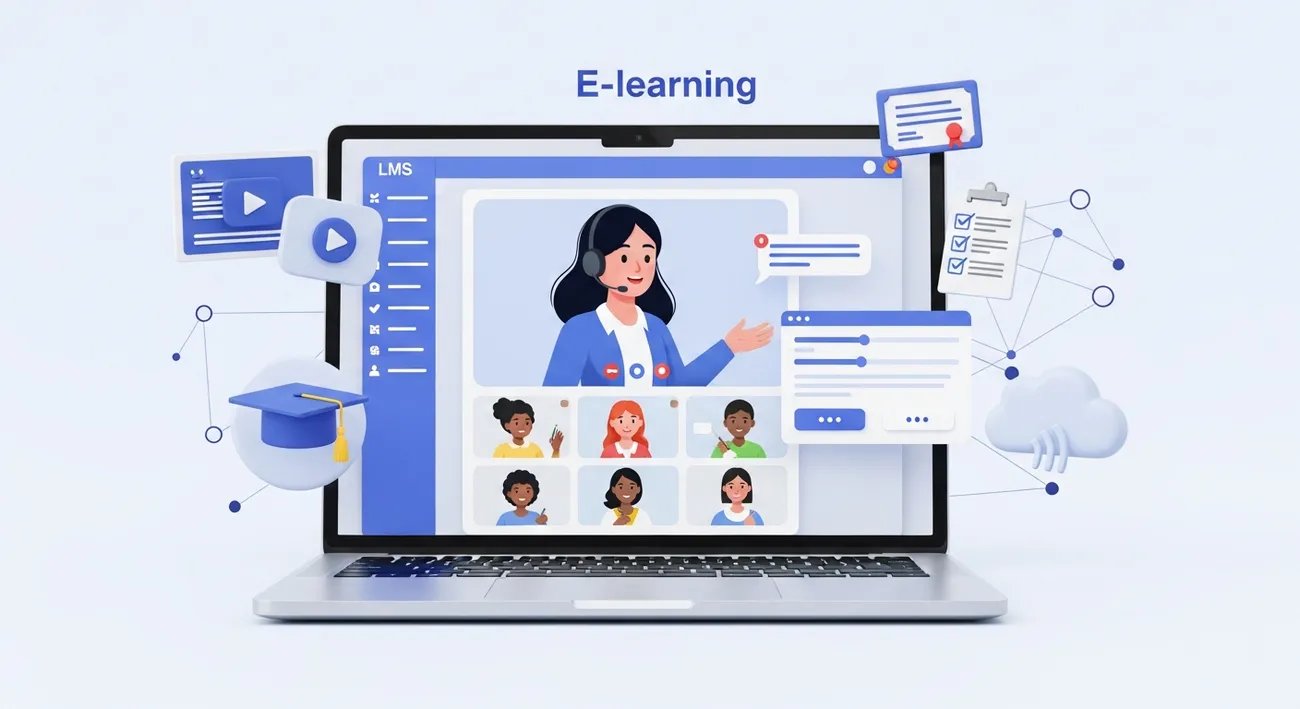
At its most basic level, an e-learning platform is a virtual environment where people learn. Some people refer to it as an online learning platform or a digital learning system. Besides, organizations also refer to it as learning management system, or LMS. These expressions, in general, denote instruments that allow you to design, initiate, follow, up, and administrate online courses.
You can compare an e, learning platform with a physical college. It stores learning content, conducts tests, keeps the progress of students, and usually has communication features such as forums and live classes. Certain platforms are designed for corporate training, some focus on higher education, and a few are created for coaching institutes and individual creators. It mainly depends on your purpose what the right one is.
Core components of an online education platform
Most online courses platforms share a few core pieces. I always look for these whenever I evaluate a system for a school or organization.
- Course authoring and content delivery are the most significant aspects of a learning platform where you create lessons, upload videos, add PDFs, and organize modules.
- Student management refers to the features that allow you to register learners, segment them, and control their access.
- Assessments and feedback comprise the tools that help you evaluate the learning process and provide input through quizzes, assignments, and gradebooks.
- Tracking and reporting are the features that display analytics such as course completion, time spent, pass/fail rates, and other metrics, etc.
- Communication and collaboration are the features of a learning platform that includes discussion forums, instant messaging, and live tutoring through virtual classroom software.
- Integration means the connections between tools that you already use, for example, HR systems, calendars, or payment gateways.
When you combine them all, you get a fully operational LMS or e, learning platform that facilitates the entire online learning process, from content creation to reporting outcomes.
How an e-learning platform works - step by step
Let me walk you through a typical workflow. This is how I usually see teams move from planning to learners completing a course.
Plan your course thoroughly, including setting learning objectives, figuring out your target audience, and planning how you will assess their learning. Keep it simple. Who needs to learn what, and how do you plan to measure their learning?
Create content, materials such as videos, readings, and quizzes. You may use the authoring tools available and also bring in SCORM or xAPI packages created in other tools.
Configure the LMS course, organize the lessons, decide the rules for access, and put in the due date if any.. Assign the course to learners or groups.
-
Enroll learners - Import users, sync with HR or student records, or let people self-register. Some platforms support single sign-on for smooth access.
-
Deliver learning - Learners watch videos, complete readings, and take quizzes. Virtual classroom software handles live sessions.
-
Assess and certify - Use tests, assignments, or proctored exams. Issue certificates when learners meet requirements.
-
Track progress and iterate - Look at completion rates and quiz scores. Fix content that confuses learners and update materials when things change.
Simple, right? In practice there are details to handle - file formats, bandwidth for videos, and how to make assessments meaningful - but that’s the core flow.
Types of e-learning platform
Not all platforms are built the same. Picking the right one depends on your goals and audience. Here are the main categories I explain to clients.
- Open-source LMS - Examples include Moodle. They’re flexible and cost-effective, but you need technical staff to customize and host them.
- Commercial LMS - These are hosted solutions with support, like some enterprise systems. They’re easier to run but cost more.
- Online courses marketplaces -Platforms such as Udemy allow individual content creators to have a presence and get in touch with learners directly. It's a great opportunity for freelancers and course creators who are looking for exposure.
- Virtual classroom platforms -These are mainly products for live teaching, e.g. Zoom in combination with LMS features. They offer great support for coaching studios that put a lot of emphasis on synchronous sessions.
- Corporate learning platforms- These machines are corporately geared and allow such features as compliance, onboarding, and HR integrations. Each category has its own compromises. Say, for instance, a university with a concentration on a campus might opt for an open, source LMS to have a say in everything, whereas a training consulting company might choose a hosted online education platform so that they can quickly get going.
Key features to look for in a learning management system
When teams ask me what to evaluate, I boil it down to this checklist. These are the features that actually matter when you run courses regularly.
- User experience - Is the platform intuitive for learners and instructors? Complicated menus kill engagement.
- Mobile support - Learners use phones. The interface should work on small screens and under slow networks.
- Rich media support - Upload videos, audio, slides, and interactive content without fuss.
- Assessment options - Multiple choice, essays, peer review, and timed tests. Diversity matters for measuring learning.
- Reports, Tailor, made reports, visual dashboards, and data that can be exported for further analysis.
- Integrations, Coordinate with single sign, on, HR, CRM, or payment systems.
- Security & privacy, Safeguarding data, determining who can access it, and making copies.
- Scalability, Is the platform capable of supporting hundreds or thousands of learners?
One quick tip: don’t let flashy features blind you. In my experience, a clean experience and reliable reporting beat gimmicks 9 times out of 10.
Benefits of e-learning - why organizations choose online learning
There are real, tangible benefits to moving education online. Some are obvious, others show up over time.
- Flexibility - Learners access content on their schedule. That matters for working professionals juggling priorities.
- Scalability - Once content is built, you can reach many more learners without the same incremental cost.
- Consistency - Every learner gets the same lesson quality, which is great for compliance and standardized training.
- Data-driven decisions - You can see where learners struggle and improve content. Analytics change how we teach.
- Cost savings - Less travel, venue costs, and printed materials. Over time the savings add up.
Those benefits explain why schools, coaching institutes, and businesses invest in online learning platforms. But there are trade-offs too. Remote learning can feel isolating without the right engagement tactics.
How to design courses that actually work online
Good content matters more online than in a classroom. People tune out quickly on screens. I’ve watched hundreds of courses and here’s what separates the winners from the rest.
- Chunk your content - Short modules win. Aim for 5 to 15 minutes per video or lesson. Small wins keep learners engaged.
- Mix formats - Combine videos, readings, quick quizzes, and activities. Variety keeps attention.
- Be practical - Include real examples, templates, or worksheets learners can use right away.
- Use regular checks - Frequent low-stakes quizzes help learning stick better than one big exam.
- Encourage social learning - Add discussion prompts, group tasks, or peer feedback. People learn by talking about ideas.
A quick example: for a sales training module, I split content into short lessons like product features, objection handling, and demo scripts. Each lesson ends with a 3-question quiz and a roleplay assignment. That structure keeps learners moving and practicing.

Common mistakes and pitfalls
Don’t worry, most teams stumble at first. Here are pitfalls I see often, and how to avoid them.
- Too much content at launch - Teams try to upload everything at once. Start small, iterate, and add more later.
- Ignoring learner experience - A clunky interface or long video will tank completion rates. Test with a few users first.
- Poor onboarding - Forgetting to explain how to use the platform costs engagement. Build a quick welcome module.
- Underestimating support needs - Provide help guides and a contact point. Learners who get stuck often drop out.
- Using assessments that test memory, not skills - Multiple choice only checks recall. Add projects or practical tasks to measure real ability.
In short, plan the learner journey, not just the content. Your platform is only as good as the learning experience you build on it.
Integrations and standards - SCORM, XAPI, and more
Technical standards matter when you want content to move between platforms. Two names you’ll hear are SCORM and xAPI. Here’s a quick, simple take.
- SCORM - An older standard that packages lessons so they can run in most LMSs. It tracks completion and scores.
- XAPI - A newer standard that tracks more complex learning activities, like simulations or offline experiences.
If you want to repurpose content across different systems, choose a platform that supports these standards. At the same time, check for the availability of APIs so that your LMS can connect with other systems, such as HR or analytics tools. Integrations eliminate manual input and ensure that data circulates to the right place.
There is no need to record everything. Live sessions still have their value, in particular, for coaching or higher education. Usually, platforms come with virtual classroom software or they connect with external tools such as Zoom.
Live class features to look for include screen sharing, breakout rooms, polls, and session recording. Recording matters - it gives learners a catch-up option. In my experience, mixing recorded lessons with occasional live Q&A works very well. It keeps the course personal without requiring everyone to be online at the same time.
Measuring success - what metrics matter
Measuring success, what metrics matter Determine what success means before you start.
Various stakeholders focus on different performance indicators. Below is the list of most common metrics I keep an eye on in most projects.
Completion rate, What share of the total learners actually completed the course.Engagement, The amount of time learners were in lessons, whether they were active in the forum, and how much of the videos they watched.
Assessment performance, The average of the scores and the percentages of those who passed the quizzes and assignments.Application, Results of the follow, up surveys or manager's feedback indicating whether the skills gained by the learners were used at work.
Retention and ROI - For businesses, reduced time-to-competency or improved performance metrics.
Track these and you get a meaningful picture. Don’t chase vanity metrics like total logins without context. They don’t tell you if learning actually happened.
Accessibility and Inclusion
Online learning should be inclusive. That means thinking beyond just putting content online.
Use captions for videos. Provide transcripts and alternative formats for reading materials. Ensure the platform works with screen readers. I’ve seen great content fail because visually impaired learners couldn’t access it.
Also consider language and cultural differences. Small adjustments, like clear navigation and simple language, make courses usable by more people without heavy localization work.
Security and privacy considerations
Data protection is non-negotiable for many institutions and companies. Ask these questions before you commit to a system:
- Where is learner data stored?
- Does the provider follow local privacy laws?
- How does the platform handle backups and disaster recovery?
- Are there role-based permissions so only certain staff can access sensitive data?
Vendor security can make or break a project. Don’t skip the legal and IT review when onboarding an online learning platform.
Cost considerations
Costs vary widely. You’ll see per-user pricing, flat platform fees, or combinations. Some hidden costs to budget for include:
- Content production - video recording, editing, and instructional design.
- Integrations and custom development - if you need special features.
- Support and training - internal teams need time to run the system.
- Ongoing hosting or subscription fees.
Build a simple cost model and compare it to the value - reduced classroom costs, faster onboarding, or improved completion rates. That makes decisions easier to justify.
Choosing the right e-learning tools for your situation
Here’s a quick decision guide I share with organizations I work with: start by listing your must-haves, then test platforms with a pilot.
- For universities - Prioritize academic workflows, gradebook integrations, and support for proctored exams.
- For corporate training - Look for HR integrations, compliance reporting, and single sign-on.
- For coaching institutes - Choose platforms with strong virtual classroom features and easy payment handling.
- For individual instructors - Marketplaces or simple online courses platforms can get you started with minimal tech setup.
Run a pilot with a small cohort. In my experience, a three-week pilot reveals most usability issues and highlights what learners actually want to see changed.
Practical tips for launching successfully
Here are practical steps I recommend to avoid a bumpy launch.
- Start small - Launch one course or a short program first.
- Build a welcome module - Show learners how to navigate the platform and where to get help.
- Train your instructors - Run a brief instructor onboarding so they know how to grade, give feedback, and use discussion tools.
- Provide quick support - A dedicated help channel reduces dropouts in the first weeks.
- Collect feedback early - Use quick surveys to learn what’s working and what needs fixing.
Launch is just the start. Expect to iterate based on usage data and learner feedback.
Real-world example - a small coaching institute
I once helped a local coaching institute move their batches online. They were used to in-person lectures and handouts. Here’s how we approached it.
First, we prioritized the most popular course and split it into short videos and weekly live Q&A sessions. We created short practice quizzes and a final assessment that required a demonstration video from each learner.
Next, we taught the instructors how to use the platform and run breakout rooms. We also created a 5-minute welcome video explaining navigation and submission rules. That single step cut the number of support requests in half.
Completion rates increased. Teachers reported better follow-up because they could see who missed assignments and reach out immediately. The institute eventually migrated more courses with minimal disruption.
Future trends in online learning
Where is this heading? A few trends I’m watching closely:
- Microlearning, the delivery of learning materials in small, easily digestible chunks that can be used to learn just, in, time skills. Adaptive learning, Programs that change the content they provide based on how well a learner is doing.
- Better analytics, Using data and numbers to develop predictive models that can identify learners who are at risk and suggest some interventions.
- Stronger mobile, first experiences, As mobile phones are the main device in a lot of markets, that's why.
These trends matter if you plan multi-year investments. The landscape will keep evolving, so choose a platform that updates regularly or supports easy migration of your content.
Final thoughts
Selecting and utilizing an e, learning platform should not be an agonizing process. Set clear objectives, select a platform that aligns with your priorities, and test it on a small scale before a full, fledged launch. Keep the content brief and useful, and concentrate on the learner experience. It is no secret that small teams can create impactful programs with limited funds by concentrating on the essentials: quality lessons, frequent assessments, and prompt help. As long as you maintain these components, your e, learning initiatives will yield outcomes.
Helpful Links & Next Steps
- vidyanova - Company site for online education solutions
- vidyanova blog - More articles and guides on e-learning
If you want hands-on help getting started or evaluating platforms, feel free to Book a meeting. I’m happy to review your needs and suggest practical next steps.