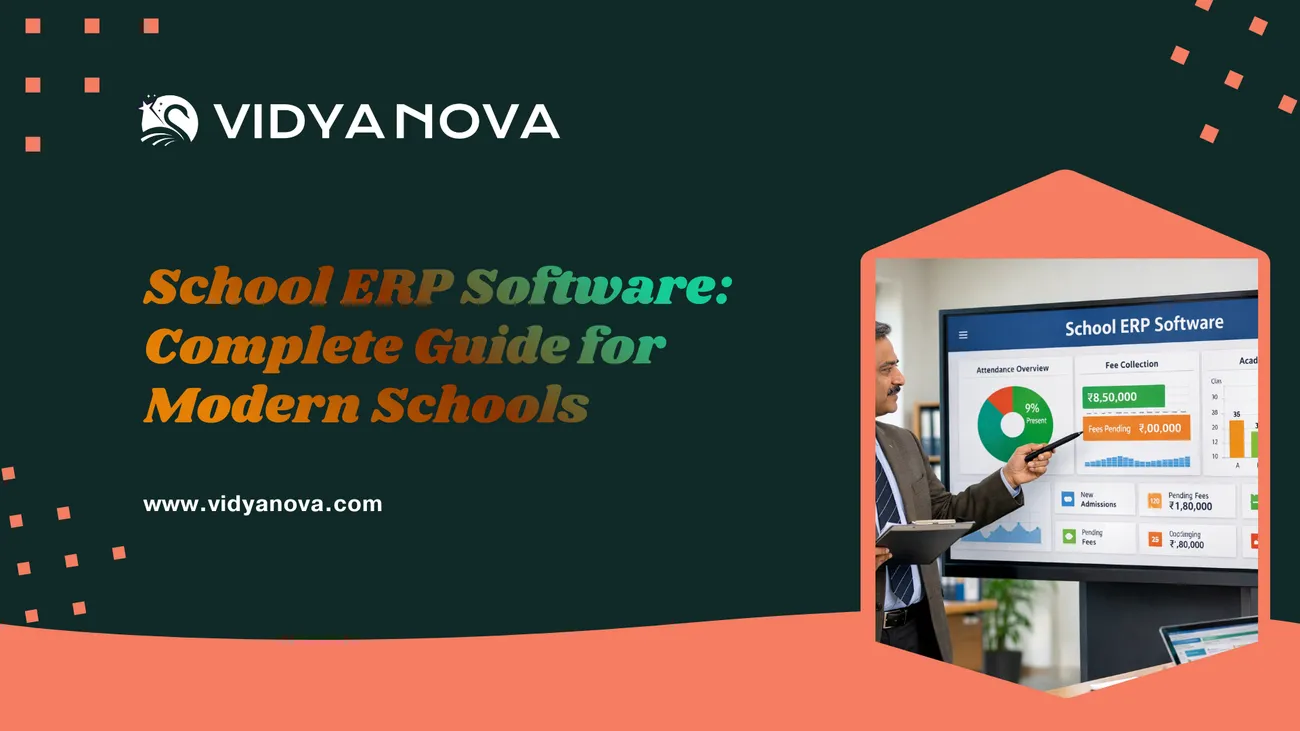
School ERP Software: Complete Guide for Modern Schools
This blog explains how school ERP software simplifies administration for Indian K–12 schools by centralizing admissions, fees, attendance, academics, communications, and more. It outlines core modules to prioritize, contrasts cloud vs on‑premise deployments, and highlights features like roles, integrations, mobile access, and security. Practical advice covers implementation steps and timelines (6–16 weeks), change management, training, common pitfalls, pricing models, and vendor selection criteria. Short case studies and examples show time and error reduction, improved parent engagement, and faster finance reconciliation. The purpose is to guide school leaders through evaluation, implementation, and choosing a vendor that fits their needs.
Picking the right school ERP software from a trusted provider like Vidyanova can feel overwhelming at first. So many choices crowd the screen, each packed with promises that blur together after a while. Yet behind every smooth claim lies real work, work that slows down when tools fail. From years of watching schools adapt, one truth stands out: better systems free up hours otherwise lost to fixing mistakes. Clarity comes easier when data flows where it should, not buried under paper trails. Think of this as a map built from actual classrooms, not boardroom talks. It explains what these platforms actually do day to day. Needs shift, sure, but knowing yours helps filter noise. Vendors pop up everywhere; some listen, others just talk. Spotting the difference keeps budgets safe. Mistakes happen even to careful teams, though warning signs often show early. Real stories shape each part here, skipping theory for things seen working, or failing, in hallways and offices. Decisions gain strength when rooted in whats happened before, not guesses about tomorrow.
Understanding School ERP Software?
Imagine one place handling everything schools do every day. Instead of papers, separate tools, or messy spreadsheets, it brings all tasks into a shared space. Admissions sit next to grades, timetables link with messages, payments flow beside attendance records. Like an online hub where each job connects smoothly to the next. Everything runs clearer when nothing floats apart.
Now here's a twist, words like school management software, school automation software, student information system, or even online school management system often float around as if they mean the same thing. Each one points to digital helpers letting staff, educators, families, and learners stay in sync without extra effort.
Schools in India Adopting ERP Systems
What happens when classrooms overflow? Indian schools juggle huge numbers of students. Different exam systems, say, CBSE or ICSE, add layers of confusion. This broader shift toward digital transformation in classrooms is explored in detail in our article on Pathways in Education: The Role of Technology in Shaping Modern Learning. Fee setups arent simple either, often tangled and unclear. Parents, teachers, admins, everyone wants something different. Paper trails fall apart under pressure. Now imagine one system holding it together, running online, light on tech demands. That space is where a cloud school platform steps in.
Here are the clear benefits I’ve seen when schools switch to a school ERP software in India:
- Time savings for staff. Routine tasks get automated and can be completed in minutes instead of hours.
- Fewer errors. Finance and attendance mistakes drop when data comes from one system.
- Better parent engagement. Real time updates on fees, attendance, and progress reduce phone calls and complaints.
- Improved reporting. You get actionable reports for compliance, inspections, and audits.
- Scalability. A cloud based school ERP grows with your school without extra hardware costs.
In short, a good ERP for schools turns data into decisions. It helps leaders focus on education rather than paperwork.
Core Modules Every School Should Consider
Not every school needs every module. But there are core functions that most modern schools find essential. Here are the modules to prioritize when evaluating school management software.
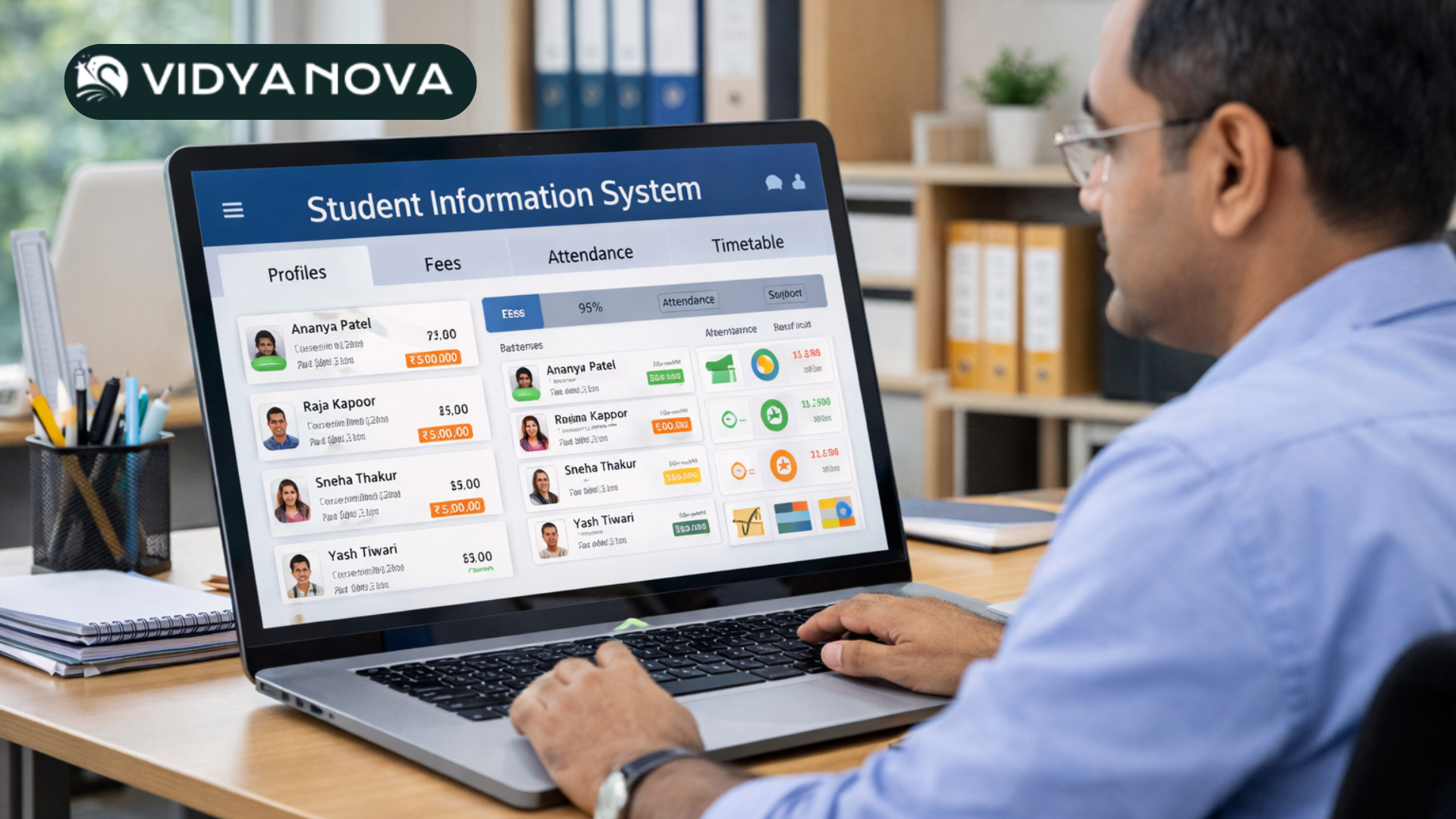
- Student Information System. This is the backbone. It stores admissions data, student profiles, medical records, and academic history.
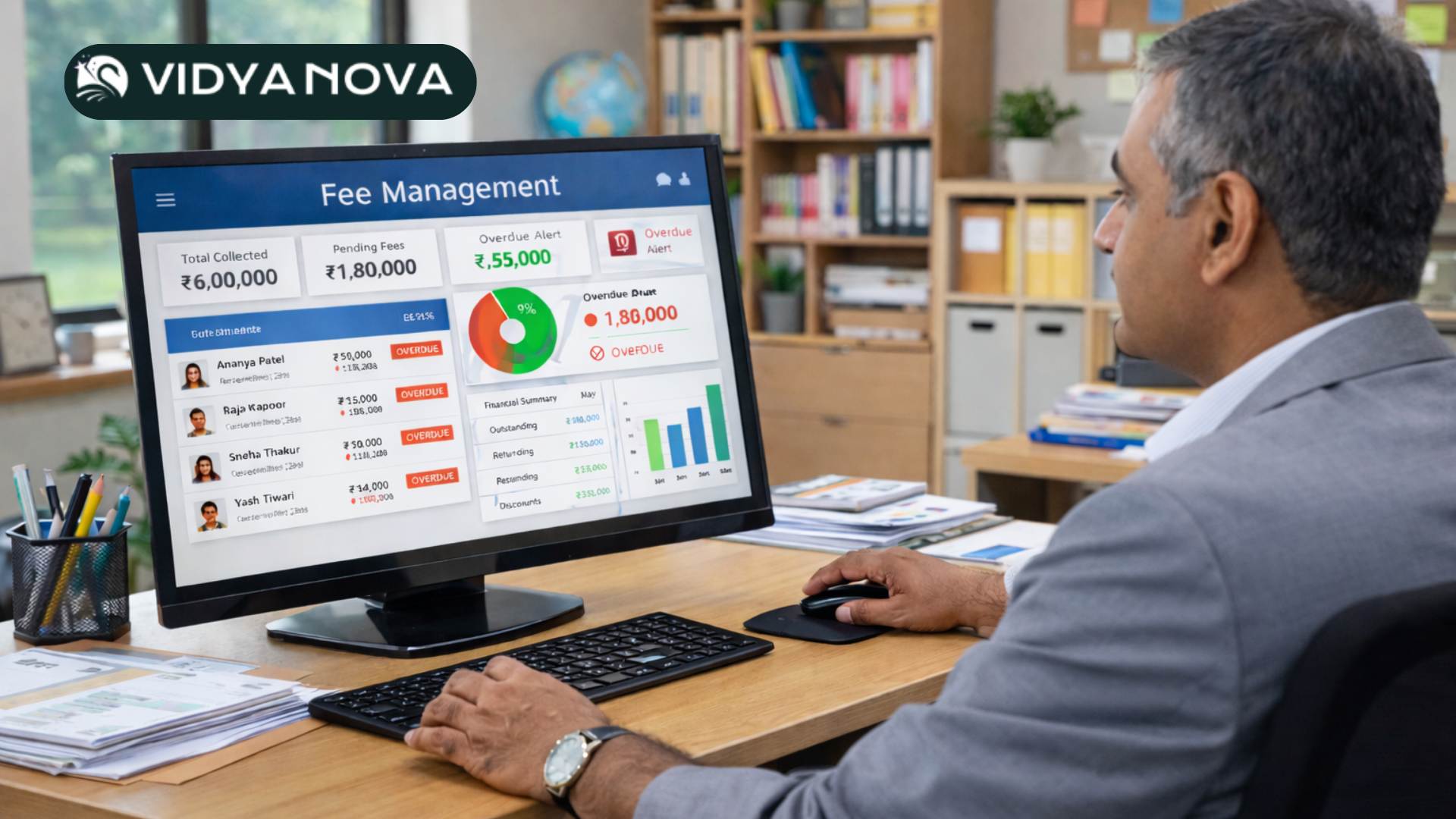
- School Fee Management Software. Handles billing, receipts, refunds, scholarships, and online payments. This one reduces revenue leakages and speeds up reconciliation.
- School Attendance Management System. For teachers and parents to track daily attendance. Often integrated with biometric or RFID systems.
- Academic and Exam Management. Timetables, lesson planning, assessments, grade books, and report cards all live here.
- Communication & Parent Portal. SMS, email, push notifications, and a parent app. Keeps everyone in the loop.
- Transport Management. Bus routes, student pickup lists, and real time tracking if you need it.
- Human Resources & Payroll. Staff records, payroll, attendance, and leave management.
- Library and Asset Management. Keeps track of books, lab equipment, and school assets.
When you talk to vendors, ask which modules are part of the base package and which are add ons. Hidden costs from add ons are one of the most common surprises schools face.
Cloud Based vs On Premise: Which One Works for Your School?
There’s a simple choice at the start. Do you want a cloud based school ERP or an on premise installation? Both have pros and cons.
Cloud based school ERP
- Quick to deploy. You can live in weeks, not months.
- Lower upfront cost. No servers or heavy IT staff needed.
- Automatic updates. New features roll out without disruption.
- Accessible anywhere. Administrators and parents can log in from phones or laptops.
On premise
- More control over data. Some schools prefer having the servers on campus.
- Higher upfront cost. You must buy hardware and manage backups.
- Slower to upgrade. Updates require IT coordination and can be disruptive.
For most K12 schools in India, cloud based ERP is the better choice. It removes IT headaches and fits tighter budgets. In my experience, schools that choose cloud get better adoption because teachers and parents can access the system from home.
Key School ERP Features to Look For
Vendors love to list features. I’ve learned that not every feature is equally useful. Focus on what will change daily work for your team.
- User roles and permissions. You must control who sees student records, fee data, and staff payroll.
- Customizable workflows. Your admission or leave process should match how your school actually works.
- Integration capability. The ERP should connect to your accounting software, biometric devices, and the payment gateway.
- Mobile apps. Parents and teachers expect mobile access. A good app increases daily use.
- Multischool support. If you run more than one campus, check for consolidated reporting across sites.
- Backup and security. Encryption, regular backups, and compliance with data protection norms matter.
One practical tip: ask for a live demo with data similar to yours. If the vendor shows a demo with 50 students and you manage 2000, you won’t get a real sense of performance or workflows.
How School ERP Software Improves Finance and Fees
Finance is where ERP shows real value fast. Manual fee collection leads to mistakes and delays. A proper school fee management software streamlines billing, payment, concessions, and refunds.
Here’s what it commonly handles:
- Automated fee generation for new admissions, transports, and extras
- Flexible fee plans: monthly, quarterly, yearly, and custom instalments
- Online payment integration with popular gateways
- Automated overdue notices and late fee calculation
- Detailed ledgers for audits and accounting export
I’ve seen schools reduce fee-related phone calls by over 70 percent after going live. Parents appreciate clear invoices and multiple payment options. And finance teams finally get neat reconciliation reports instead of piles of cash tallies.
Attendance and Academic Management: Why Integration Matters
Attendance and academics are closely linked. Teachers mark attendance, then record assignments, grades, and behavioral notes. When these pieces live in separate tools, information gets lost.
A good school attendance management system that integrates with the student information system and the gradebook makes life easier for teachers. They mark attendance once, and the data flows to class reports, transport lists, and parent notifications.
For example, if two absences in a week trigger a parent alert, an integrated system sends that alert automatically. No one needs to hunt for the student list or remember to call home.
Implementation: Practical Steps and Realistic Timelines
School ERP implementation is not a single event. It is a series of steps that go smoother with planning and clear roles. Expect the full process to take anywhere from 6 to 16 weeks, depending on school size and complexity.
Typical implementation phases
- Needs assessment and vendor selection
- Data cleansing and mapping
- Configuration and customization
- Pilot with a small group of users
- Training for staff and parents
- Full rollout and post go live support
Common implementation mistakes
- Rushing data migration without cleaning records
- Skipping pilot runs and launching to everyone at once
- Underestimating training needs for administrative and teaching staff
- Not assigning an internal champion to drive adoption
In my experience, the single best thing you can do is appoint a project lead from the school and a reliable point person at the vendor. Regular check ins keep the project on track.
Change Management and Training: Getting Staff to Use the System
Technology only helps when people use it. A weak rollout leaves powerful systems gathering dust. Structured onboarding and training programs, similar to the digital transformation approach explained in our education technology resources, improve adoption rates significantly.
Here are practical tips I recommend:
- Start small. Pilot with one grade or one department before scaling.
- Use hands on workshops. Teachers learn faster when they practice real tasks like taking attendance or issuing homework.
- Create micro guides. One page quick reference sheets work better than long manuals.
- Celebrate small wins. Share a success story in staff meetings to build momentum.
Some schools make the mistake of training only the admin team. Don’t do that. Teach teachers and the finance team together because their workflows intersect daily.
Data Security and Privacy: What You Must Ask
When you move student records and payroll to a vendor, security is a priority. Ask tough questions.
- Where is the data hosted and backed up?
- Is the data encrypted at rest and in transit?
- Does the vendor follow local data protection regulations?
- What are the access controls and audit logs?
- How fast is their disaster recovery plan?
I've seen schools assume the vendor takes care of security and later discover gaps during an audit. Make sure security is part of the contract, not an afterthought.
Integration with Other Systems
No school operates in isolation. You may already use accounting software, biometric attendance devices, learning management systems, or payment gateways. Your ERP should play nicely with these tools.
Ask vendors about available APIs and standard integrations. A simple example: export student invoices directly to your accounting tool. That removes duplicate data entry and avoids reconciliation headaches.
Reporting and Analytics: Turning Data into Decisions
Reports are where leadership sees the return on investment. A decent ERP gives you operational dashboards and custom reports for compliance or inspections.
Useful reports to request during demos
- Fee collection and outstanding balances by class
- Attendance trends by month and by class
- Top performers and student progress over time
- Staff workload and leave summaries
- Transport route utilization
Don’t accept canned reports only. Ask if you can build custom reports or have the vendor create them for you. In my experience, custom reports solve the most pressing problems quickly.
School ERP Pricing: What to Expect
School ERP pricing varies widely. Vendors offer subscription models, per student pricing, or one time licenses. Price depends on modules, user count, customisation, and support level. If you want transparent cost details, explore our detailed School ERP pricing plans before shortlisting vendors.
Typical models
- Per student per year. Simple to scale and predictable.
- Per module add ons. Pay for what you need, but watch for growing costs.
- Flat annual subscription for multisite schools. Works well for chains.
Watch for these hidden costs
- Data migration fees
- Customisation charges
- Training and additional support
- Integration or API setup
A practical approach is to calculate the total cost of ownership for three years. Compare this to the time savings and reduction in errors you expect. Most schools find that ERP pays for itself within two to three years through efficiency gains.
Selecting the Right Vendor: Practical Criteria
Vendor selection is about fit, not just features. Here are the criteria I use when advising schools.
- Domain expertise. Do they understand CBSE, ICSE, or state board requirements?
- References. Ask for schools similar in size and board and call them.
- Demo with your data. A vendor who will import a sample of your data shows confidence.
- Support and SLA. How fast will they respond to critical issues?
- Roadmap. Are they actively developing features that match your future needs?
- Cost transparency. Are all fees and conditions spelled out?
No vendor is perfect. But the right one will be honest about limitations and flexible about priorities.
Common Pitfalls and How to Avoid Them
Even good projects stumble. Here are common pitfalls and ways to prevent them.
-
Pitfall: Poor data quality on day one.
Avoid. Start by cleaning master records and deciding on naming conventions. A small upfront effort saves weeks later.
-
Pitfall Over customisation that makes upgrades hard.
Avoid Use built in workflows where possible. Customisation should be limited to essential processes.
-
Pitfall Under training teachers and staff.
Avoid scheduling training in short modules and give on demand help after launch.
-
Pitfall: Choosing a system that does not integrate.
Avoid Confirm APIs and try a simple integration during the pilot.
-
Pitfall: Ignoring parent onboarding.
Avoid running a parent orientation and share short videos or guides.
Small Examples That Show Big Wins
Here are tiny, human examples that often convince stakeholders to buy in.
- Example 1: A school that moved to online fee payments reduced late fees and improved cash flow. They could see daily collections rather than waiting for weekly bank statements.
- Example 2: A principal who used attendance trends to spot a class with falling attendance. Early action led to parent meetings and a recovery within one term.
- Example 3: A finance manager who automated receipts and reconciliations. She reduced accounting time from five days a month to one day.
These are simple wins, but they add up. They also create goodwill with staff and parents when the system starts making life easier.
Case Study Snapshot
One mid sized CBSE school in India moved from spreadsheets to a cloud based school ERP. They were managing 1,200 students and had three campuses. After implementation, they reported:
- 60 percent reduction in time spent on admissions
- 80 percent fewer fee related parent calls
- Real time dashboards for the principal and finance team
- Improved parent satisfaction scores within a term
This is typical when a school chooses an ERP that fits their processes and invests in training.
How Vidyanova Supports Schools
Vidyanova builds a cloud based school ERP designed for Indian schools. We focus on practical modules schools use every day, like fee management, attendance, and academic workflows. In my conversations with school leaders, a few things come up again and again. They want a system that understands CBSE and ICSE workflows, that integrates payments, and that can scale to multiple campuses.
Vidyanova aims to balance simplicity and power. The product supports mobile access for parents and teachers, APIs for integrations, and role based permissions for secure access. If you want a demo that mirrors your school, Vidyanova can import sample data and show you a tailored walkthrough.
Checklist for School Leaders Ready to Start
Use this checklist when you evaluate vendors and prepare for implementation.
- Define must have modules and nice to have modules
- Decide cloud based or on premise
- Prepare a clean sample of student and staff data
- Choose an internal project lead and a vendor lead
- Plan a phased rollout with a pilot group
- Schedule training for all user groups
- Document integrations and reporting needs
- Agree on a clear SLA for support and uptime
FAQ: Quick Answers to Common Questions
- How long does school ERP implementation take?
- Small schools can implement in 6 weeks. Larger schools and multisite campuses may need 12 to 16 weeks. Data cleaning and training are the things that add time.
- Is cloud based school ERP safe?
- Yes, when vendors follow encryption, backups, and compliance best practices. Ask for security documentation and uptime guarantees.
- How is school ERP pricing structured?
- Most vendors charge per student per year or for an annual subscription. Watch for add ons for integrations, custom reports, or extra training.
- Can the system work with my accounting software?
- Most modern ERPs offer API based integrations. Confirm during the demo and ask for a reference where that integration is already live.
Final Thoughts
School ERP software is a strategic investment, not just a technology purchase. The right system frees your team to focus on teaching and learning. It reduces routine friction, improves transparency, and supports better decisions with data.
When evaluating options, look beyond slick demos. Test with your data, check references, and plan for adoption. You want a partner who understands the nuances of schools in India and who will support you through the change.
Helpful Links & Next Steps
If you want a tailored walkthrough, book a Meeting Today, and we can review your workflows and show how school ERP software can solve specific problems at your school.